How to Apply for Mozambique eVisa Online – Step-by-Step Guide
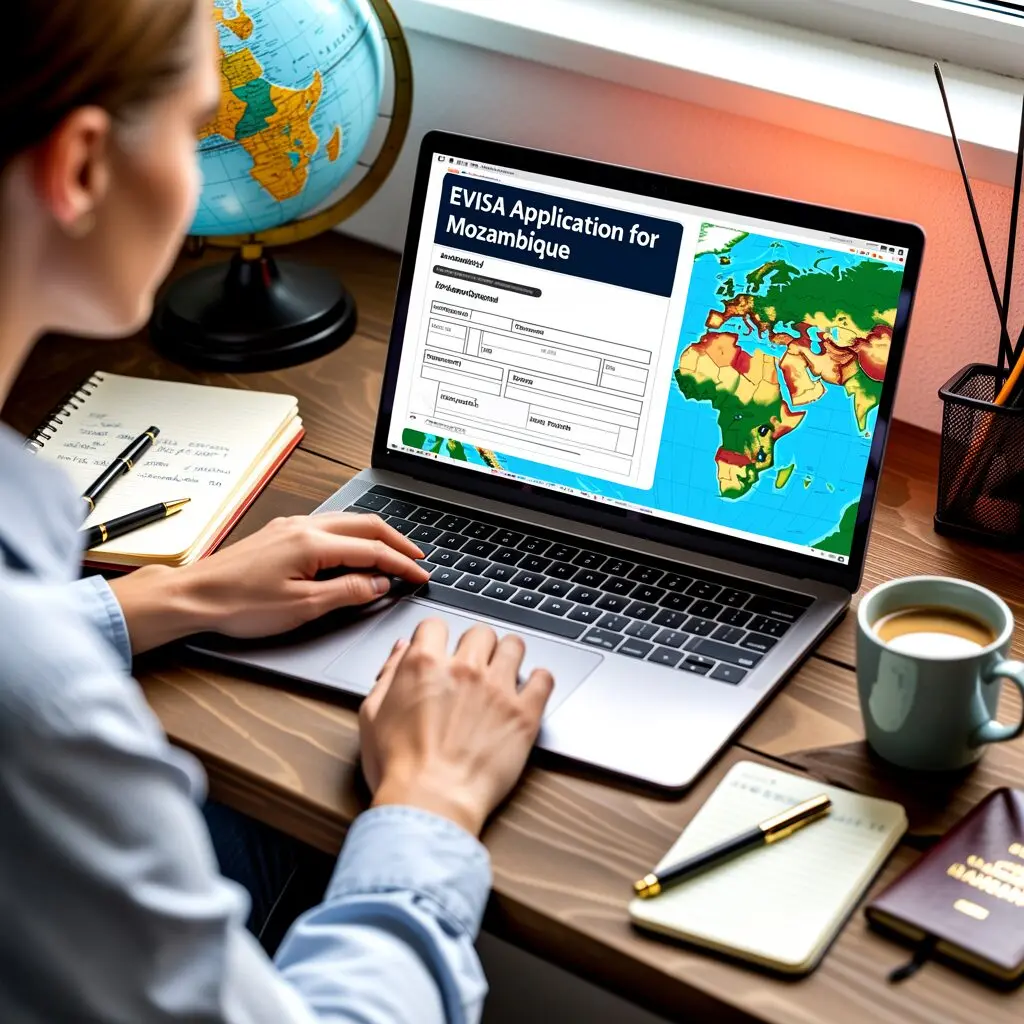
Applying for a Mozambique eVisa is a fully online process that takes about 15-20 minutes to complete. You can do it from anywhere in the world — your home, office, or even while travelling. This guide walks you through every step, from creating your account on the official portal to downloading and printing your approved eVisa document.
The Mozambique eVisa system was launched on 11 February 2026 by the Serviço Nacional de Migração (National Immigration Service). It replaced the previous visa platform and is now the primary and recommended method for obtaining a Mozambique visa. The entire process is digital — you never need to visit an embassy or consulate.
Before You Start
Gather the following documents and information before beginning your application. Having everything ready will make the process faster and reduce the chance of errors:
- A valid passport with at least 6 months remaining before expiry from your planned departure date from Mozambique. Ensure it has at least 2 blank pages for entry and exit stamps.
- A digital passport-style photo — recent (taken within the last 6 months), white or light background, face clearly visible, no sunglasses or head coverings unless for religious reasons. JPEG or PNG format, typically under 2 MB.
- A scanned copy of your passport bio page — the page with your photo, name, passport number, and expiry date. Must be clear and all text must be legible.
- Proof of accommodation — hotel booking confirmation (from Booking.com, Hotels.com, or direct hotel), Airbnb reservation, or an invitation letter from your host in Mozambique with their full name, address, and contact details.
- Return or onward flight booking — a confirmation showing your planned departure from Mozambique.
- A credit or debit card — Visa or Mastercard for secure online payment of the visa fee.
- A valid email address — all updates, including the approved eVisa, will be sent to this address. Use one you check regularly.
Step 1 – Visit the Official Portal
Navigate to evisa.gov.mz in your web browser. This is the only official Mozambique eVisa portal, managed directly by the Serviço Nacional de Migração. Be cautious of third-party websites that may look similar but charge extra service fees or provide outdated information.
On the homepage, you will see information about the available visa types and a button to begin your application. Click “Apply now” to start. If you already have an account from a previous application, sign in with your existing credentials. Otherwise, create a new account using your email address and a secure password.
Step 2 – Select Your Visa Type
The portal will ask you to choose your visa category. Select the one that matches your primary travel purpose:
| Visa Type | Choose This If… | Typical Duration |
|---|---|---|
| Tourist eVisa | Holiday, sightseeing, beach vacation, visiting friends or family | 30, 60, or 90 days |
| Business eVisa | Business meetings, conferences, trade fairs, research, workshops | 30, 60, or 90 days |
| Investment eVisa | Investing in a project worth US$500,000 or more | 90, 180, or 365 days |
| Sport & Culture eVisa | Sports competitions, cultural events, exhibitions, performances | Up to 30 days |
| Crew eVisa | Airline or shipping crew member on duty flights or voyages | Per assignment |
Choosing the correct category is important. If your trip combines tourism and business, select the Business eVisa to cover both activities. Applying under the wrong category is one of the most common reasons for processing delays.
Step 3 – Complete the Application Form
Fill in your personal details exactly as they appear on your passport. Any discrepancy between your application and your passport can cause delays or rejection. The form will ask for:
- Full name — exactly as printed on your passport (including middle names if applicable)
- Date of birth — in the format requested by the portal
- Nationality / citizenship — the country that issued your passport
- Passport number — the alphanumeric code on your passport bio page
- Passport expiry date — must be at least 6 months beyond your planned departure from Mozambique
- Intended date of entry — when you plan to arrive in Mozambique
- Intended date of exit — when you plan to leave (must fall within the visa duration you selected)
- Accommodation address in Mozambique — hotel name and address, or host details
- Contact email — for receiving application updates and the approved eVisa
- Phone number — for emergency contact purposes
If you hold dual nationality, use the passport you will physically travel with. The eVisa will be linked to that specific passport.
Step 4 – Upload Your Documents
The portal requires you to upload digital copies of your supporting documents. Ensure each file is clear, legible, and meets the format requirements:
- Passport bio page scan — a full-page scan or high-quality photograph showing your photo, name, passport number, nationality, and expiry date. All text must be readable. Accepted formats: JPEG, PNG, PDF.
- Passport-style photograph — a recent photo with white or light background. Face centred, eyes open, neutral expression. No filters or heavy editing.
- Proof of accommodation — hotel booking confirmation PDF, Airbnb reservation screenshot, or host invitation letter. Must show your name, accommodation address, and dates of stay.
- Return or onward ticket — flight booking confirmation showing your departure from Mozambique. Can be a screenshot from your airline or booking platform.
File size limits are displayed on the portal. If your files are too large, reduce the resolution or compress them before uploading.
Step 5 – Pay the Visa Fee
After completing the form and uploading documents, the portal will display the visa fee based on your chosen visa type, duration, and processing speed. Payment is made securely online using:
- Visa credit or debit card
- Mastercard credit or debit card
- Other payment methods as displayed on the portal
The fee is charged in the currency shown on the portal. Your bank may apply a foreign transaction fee. Keep your payment confirmation email for your records. Visa fees are generally non-refundable, even if your application is rejected.
Step 6 – Wait for Processing
After successful payment, your application enters the review queue at the Serviço Nacional de Migração. You will receive a confirmation email with your application reference number.
| Processing Option | Expected Timeframe | Additional Cost |
|---|---|---|
| Standard | 10-15 working days | Base visa fee |
| Express / Priority | 7-10 working days | Surcharge applies |
Important notes during the waiting period:
- Weekends and Mozambican public holidays are not counted as working days
- Do not submit a duplicate application while waiting — this can cause delays and confusion
- Check your email (including spam/junk folder) regularly for status updates
- You can check your application status on the portal using your reference number
- High season periods (December, July-August) may see longer processing times
Step 7 – Download and Print Your eVisa
Once your application is approved, you will receive an email with your eVisa attached as a PDF document. This is the most important step:
- Download the PDF from your email to your device
- Print the eVisa on paper — a clear, legible printout is required
- Carry both the printed eVisa and your passport when travelling
- Keep a digital copy on your phone as a backup
You will need to present your printed eVisa at two points: at your airline check-in counter before departure, and at the immigration counter when you arrive in Mozambique. Airlines may deny boarding if you cannot show a valid eVisa.
Tips for a Smooth Application
- Apply early — submit your application at least 3-4 weeks before your travel date to allow for standard processing and any unexpected delays
- Double-check everything — ensure all information matches your passport exactly. Even small typos can cause rejection
- Use a reliable email — all communication happens via email. Use an address you check frequently and that won’t block automated messages
- Avoid third-party agents — unless you are confident they are legitimate, apply directly through the official portal to avoid extra fees or scams
- Save your reference number — note down your application reference number for tracking and future reference
- Check document quality — blurry scans or illegible documents are the most common cause of processing delays
Frequently Asked Questions
How to apply for a Mozambique eVisa?
Visit evisa.gov.mz, create an account, select your visa type, fill in the application form with your personal and travel details, upload the required documents (passport scan, photo, accommodation proof, return ticket), pay the fee online, and wait for email approval. The entire process is digital.
Can I apply for a Mozambique eVisa from my phone?
Yes, the official portal is accessible from mobile browsers. However, uploading scanned documents is generally easier from a computer with a scanner or good camera. If using a phone, ensure your photos are clear and well-lit.
What if my eVisa application is rejected?
If rejected, you will receive an email explaining the reason. Common causes include incomplete documents, passport validity issues, or name mismatches. You can reapply after correcting the identified issues. Note that visa fees are non-refundable.
Can I apply for someone else?
Each traveller needs their own individual application. You can assist someone in filling in their form, but the personal details, passport information, and documents must belong to the person who will be travelling.
Do I need to print my eVisa?
Yes. Print the approved eVisa PDF and carry the physical copy with your passport. Airlines and immigration officers require a printed copy. Keeping a digital copy on your phone is a good backup but not a substitute for the printed version.
Can I change my travel dates after applying?
If your visa has not yet been approved, you may be able to contact the immigration service to request changes. Once approved, the eVisa has fixed validity dates. If your plans change significantly, you may need to reapply.
Is the portal available 24/7?
Yes. The online portal is accessible 24 hours a day, 7 days a week, from anywhere in the world. You can start, save, and complete your application at any time.